
imitating Bill McBirnie

SWAM Flute is the one with "circular breathing" 
Sorry for the attachment - I'm afraid to put it on SoundCloud for copyright reasons.
Original is here:
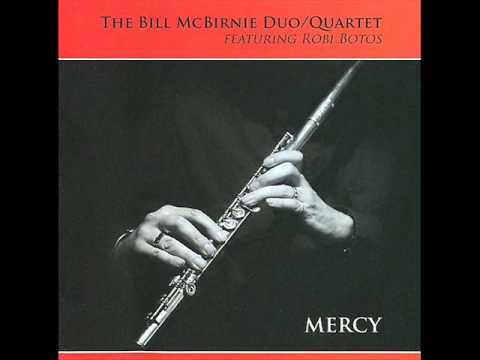
Slava
Got permission to post it:
Sorry for the attachment - I'm afraid to put it on SoundCloud for copyright reasons.
Original is here:
Slava
Got permission to post it:
Comments
How can they be so perfectly parallel in timing ?
-Michael
How can they be so perfectly parallel in timing ?
-Michael
It's all digital, you know
Thank you for listening.
Oh, no! Give me more!
Thank you for listening!
I guessed that. But how ? Manual tweaking the timing to this extent seems like an enormous lot of work.
Did you use audio to midi convertor software to generate the solo track ?
-Michael
External reverb is the only effect that was used.
MSchnell wrote: Manual tweaking the timing to this extent seems like an enormous lot of work.
Did you use audio to midi convertor software to generate the solo track ?
-Michael
Yes, it takes time. I had to use half and even quarter tempo to catch very fast lines. But still it was fun.
If you know a converter that could separate Piano and Flute into 2 midi files and you used it successfully, please let me know.
My thanks to everybody who listened to the piece and good luck with your musical endeavors.
Interesting micro tuning used in this preset.